How to Use the KatanaSpin Bonus
Ready to boost your first spin? The KatanaSpin promo code KATANA2026 doubles the welcome bonus — and getting it active takes about a minute. This guide walks you through exactly where to type it, on desktop and mobile, and what to check if the casino rejects it.
Table of contents
Step-by-Step: Entering the KatanaSpin Bonus Code
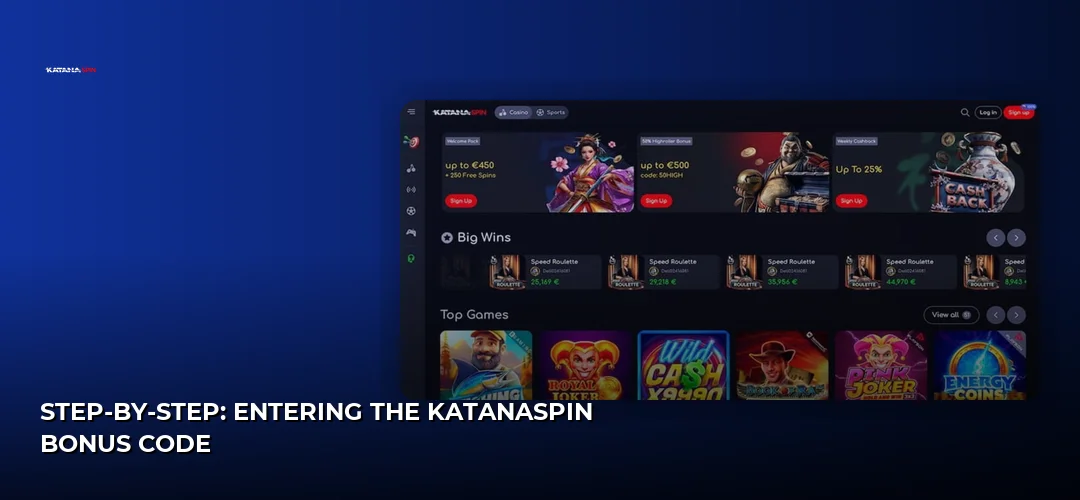
The whole process runs inside the sign-up or cashier screens — no hunting through menus, no separate activation page. Follow these five steps and the doubled welcome offer lands on your account.
Step 1: Register or Log In
Open the KatanaSpin registration form if you’re a new player, or log in to your existing account. The code KATANA2026 is tied to the welcome offer, so the cleanest route is entering it while you create your account.
Step 2: Locate the Promo Code Field
Here’s the part that trips people up — knowing how to use the KatanaSpin promo code really comes down to finding one small input box. On KatanaSpin it appears in two places:
- Inside the registration form, alongside your email and password fields
- In the cashier / deposit section, next to the amount you enter
The screenshots below show both spots so you can spot the field instantly:
Registration form: KatanaSpin registration screen with promo code field
Cashier view: KatanaSpin deposit screen with bonus code box
Step 3: Enter the Code
Type KATANA2026 exactly as written — all capitals, no spaces before or after. Promo code fields are typically case-sensitive, so copying the code straight from this page is the safest bet.
Step 4: Complete Your Deposit (If Required)
Because the code doubles the KatanaSpin welcome bonus, it pairs with your first deposit. Choose your payment method in the cashier, enter the amount, and confirm the transaction with the code already applied.
Step 5: Confirm Activation
After the deposit goes through, check your account balance or bonus section. The doubled welcome bonus should show as active. If it doesn’t appear, jump to the troubleshooting section below before depositing again.
Where Is the Promo Code Field on KatanaSpin?
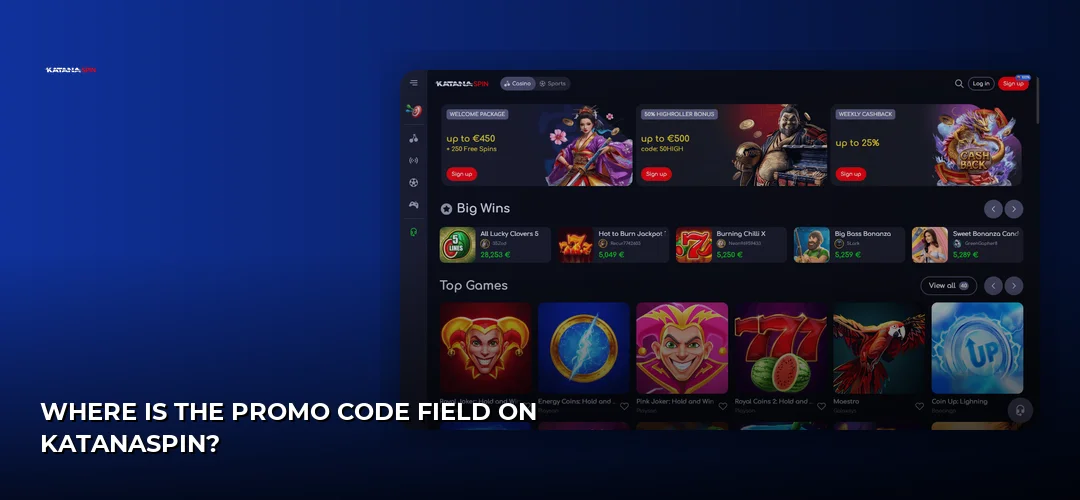
Two confirmed entry points exist on the site — here’s each one.
During Registration
The sign-up form includes a dedicated promo code box. This is the recommended moment: enter KATANA2026 here and the code attaches to your account from the very first second, so nothing gets missed later.
In the Cashier / Deposit Section
Missed it at sign-up? No drama. The deposit screen has its own bonus code field, so you can punch in KATANA2026 right alongside your first deposit amount and still trigger the doubled welcome offer.
Using the Code on Mobile
The same two fields appear on the mobile version of KatanaSpin — in the registration form and in the cashier. The steps are identical: register or log in, tap the promo code box, type KATANA2026, and deposit. Typing carefully matters even more on a phone keyboard, so double-check for autocorrect changes before confirming.
Why Your KatanaSpin Bonus Code May Not Work
A rejected code is frustrating, but the cause is almost always one of a handful of fixable issues.
Code Expired or Invalid
Codes can be replaced over time. Make sure you’re using the current code — KATANA2026 — spelled exactly, in capitals, with no extra characters or spaces.
Already Used
The welcome code is a one-time offer per player. If you’ve already activated it on your account, entering it again won’t stack a second bonus.
Country or Payment Method Restrictions
Bonus terms can differ by market, and some offers exclude specific payment options. This page covers the offer for players in the United Kingdom — confirm you’re registering under the UK version of the site.
Minimum Deposit Not Met
If a deposit is required to trigger the offer, an amount below the qualifying threshold won’t activate the bonus even with a valid code. Top up to the required level and re-check.
Account Verification Required
Unverified accounts can be blocked from claiming bonuses. Complete any pending verification steps in your profile, then the code should activate as normal.
What to Do If the Code Fails
Run through this checklist in order:
- Re-enter KATANA2026 — most failures are simple typos or wrong letter case
- Confirm you haven’t already used the code on this account
- Check your deposit meets the offer’s conditions
- Finish any outstanding account verification
- Contact KatanaSpin support with a screenshot of the error message
Want the full breakdown of what the doubled offer includes? KatanaSpin welcome bonus with code covers the complete package. And once you’re past the welcome stage, KatanaSpin bonus code for existing players shows what returning players can grab.
FAQ
How do I use the KatanaSpin promo code?
Register or log in, enter the code KATANA2026 in the promo code field during registration or in the cashier when depositing, then complete your first deposit. The code doubles the KatanaSpin welcome bonus once the deposit is confirmed.
Where do I enter the bonus code on KatanaSpin?
The promo code field appears in two places: inside the registration form when you create your account, and in the cashier / deposit section next to the amount field. Both accept the code KATANA2026.
Can I enter the KatanaSpin promo code after registration?
Yes. If you skipped the code box at sign-up, you can still type KATANA2026 into the bonus code field in the cashier when making your first deposit — the doubled welcome offer applies either way.
Why is my KatanaSpin bonus code not working?
The most common causes are a typo or wrong letter case, a code that’s already been used on the account, a deposit below the qualifying minimum, or outstanding account verification. Re-enter KATANA2026 carefully and work through those checks.
Can I use the KatanaSpin promo code on my phone?
Yes. The registration form and cashier on the mobile version of KatanaSpin both include the promo code field, and the steps are identical to desktop — type KATANA2026 and watch out for autocorrect.
That’s everything — one code, two places to enter it, and a doubled welcome bonus waiting on the other side. Grab it while it’s live.